Logs
Every request made with your keys, newest first, for the last 24 hours or 7 days.
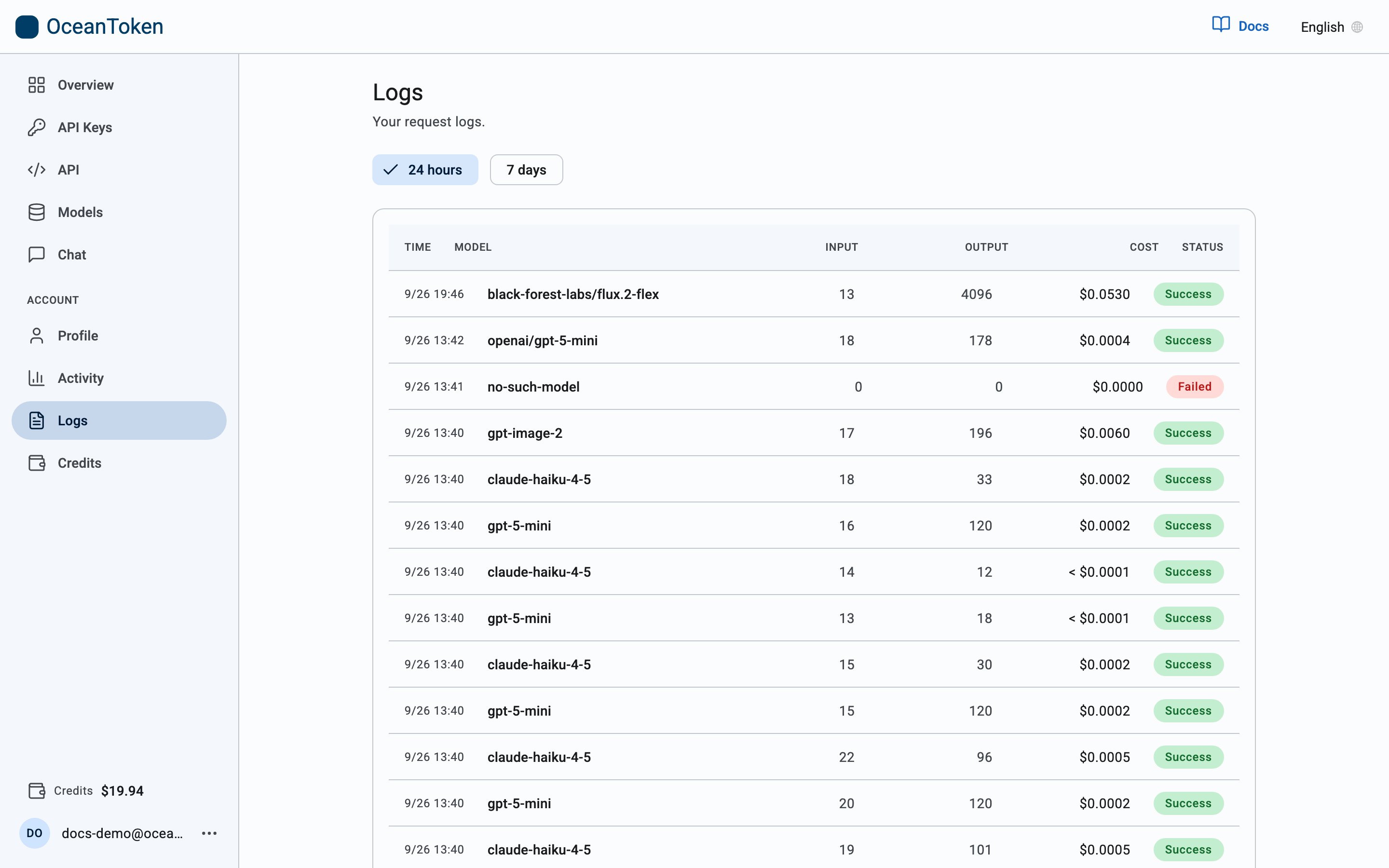
The list
| Column | Meaning |
|---|---|
| Time | When the request started |
| Model | The model you sent |
| Input / Output | Tokens in and out |
| Cost | What the request was charged. Amounts under $0.0001 are shown as < $0.0001 rather than rounded to zero |
| Status | Success or Failed |
Request details
Open a row for the full record: Request ID, when it Started, Latency, time to First token and Throughput in tok/s for streamed requests, Tokens, whether it was Streaming, whether the prompt Cache was a Hit or Miss, which API key made it, and the Session it belonged to. The Request and Response bodies are shown when they were recorded.
Typical use: debug a failed call
- Find the Failed row around the time it happened.
- Open it. The Response shows the error body the API returned; Errors explains each one.
- Copy the Request ID if you write to us about it.
Logs show your own requests only. Nobody else's traffic appears here, and nothing about how a request was routed is exposed.