Activity
Your usage across models over the last 7 days or 30 days.
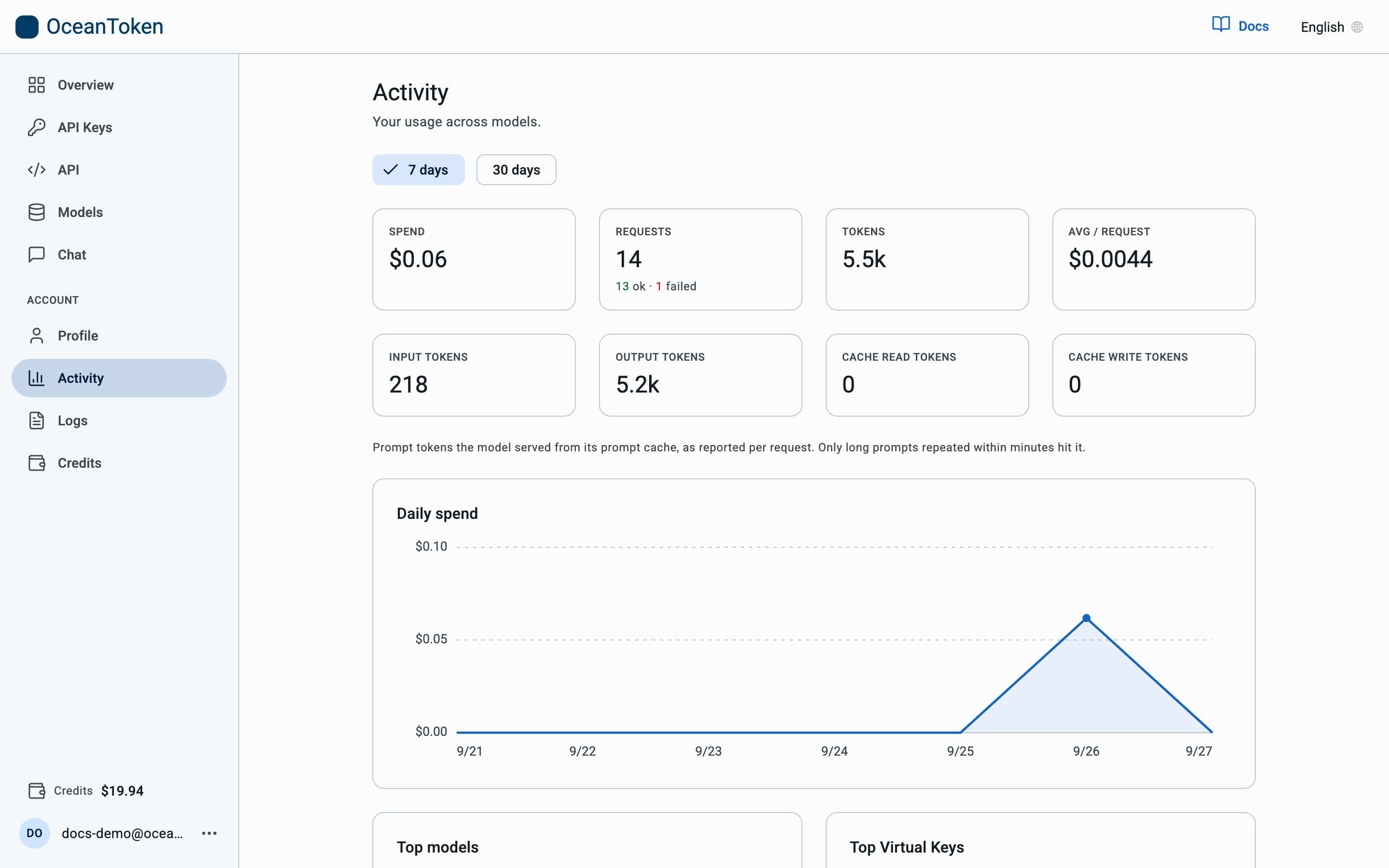
What you see
- Spend, Requests (split into ok and failed), Tokens and Avg / request for the period.
- Input tokens, Output tokens, Cache read tokens and Cache write tokens. Cached prompt tokens are the part of a repeated long prompt the model served from its cache; they are billed at the model's cached rate.
- Daily spend: one point per day. Days with no requests show as zero, so gaps are real gaps.
- Top models and Top Virtual Keys: where the spend went, by model and by key.
Typical use: find what a spike cost
- Find the day on the Daily spend line.
- Check Top models and Top Virtual Keys for the same period to see which model and which application drove it.
- Open Logs for that day to see the individual requests.