Credits
Your prepaid balance. The walkthrough is in Add credits.
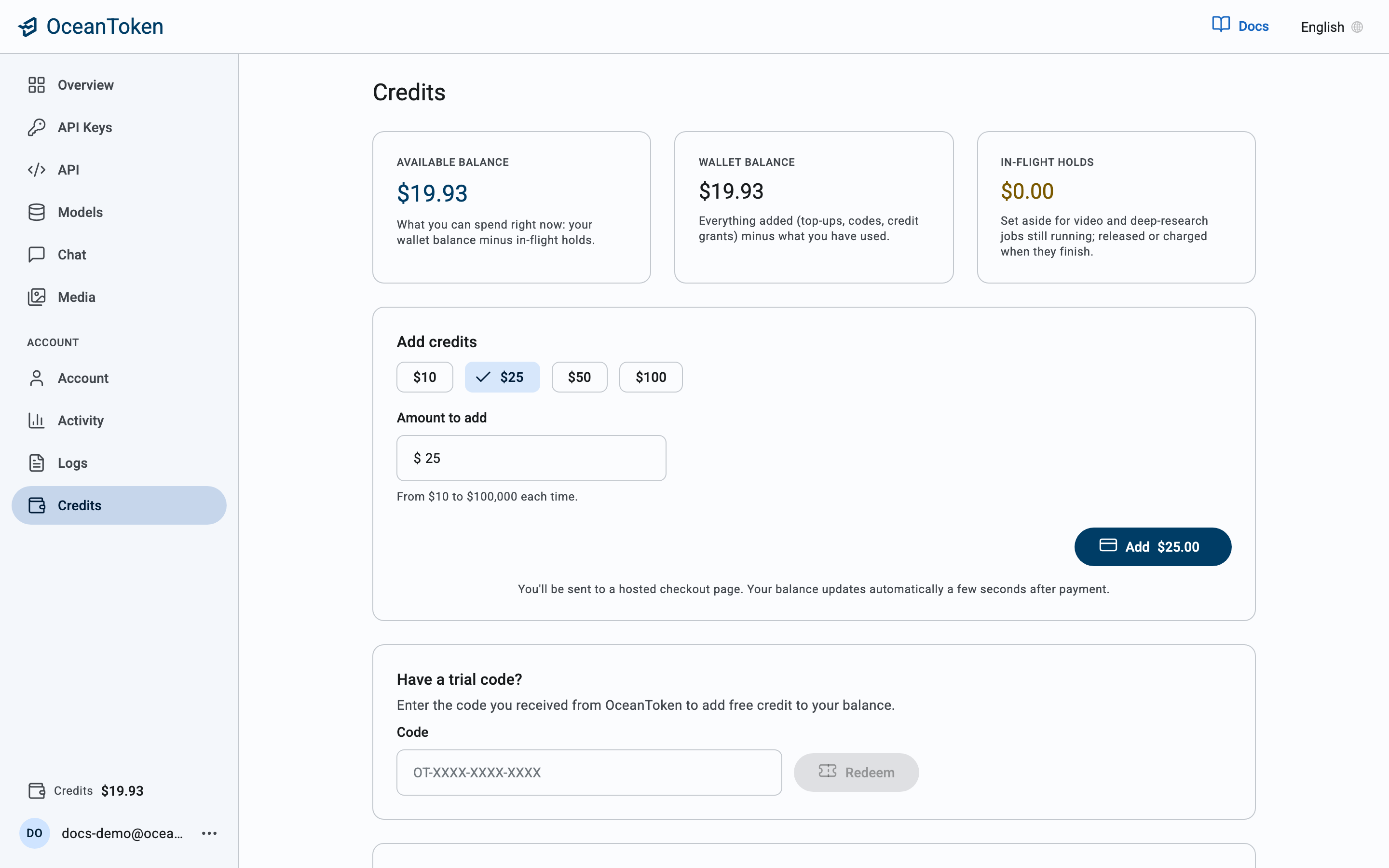
Balances
| Card | Meaning |
|---|---|
| Available balance | What new requests can spend: wallet balance minus holds |
| Wallet balance | Credits added minus usage |
| In-flight holds | Estimated cost of jobs still running, such as video generation; released when they finish |
Add credits
Pick an amount, $5, $10, $25 or $50, or type your own, then choose Add credits. When you top up, a processing fee of 2.9% + $0.30 of the total payment is added at checkout, the same for every payment method; it is not added to your balance. Your first top-up also earns a bonus of 10% of the credit it buys, up to $100; see First top-up bonus for the rules. You are sent to a hosted checkout page to pay by card, and your balance updates a few seconds after payment. Purchased credits are valid for 12 months from the date of purchase (section 6 of the Terms of Service).
Organization wallet
If you administer an organization you also see its wallet: credits added, Used this period across all teams, and the Org available balance. Under Per-team allocation you can set each team's cap. A team spends at most its allocation; the organization spends at most its wallet.