Profile
Your email address, a copy of your data, and closing your account.
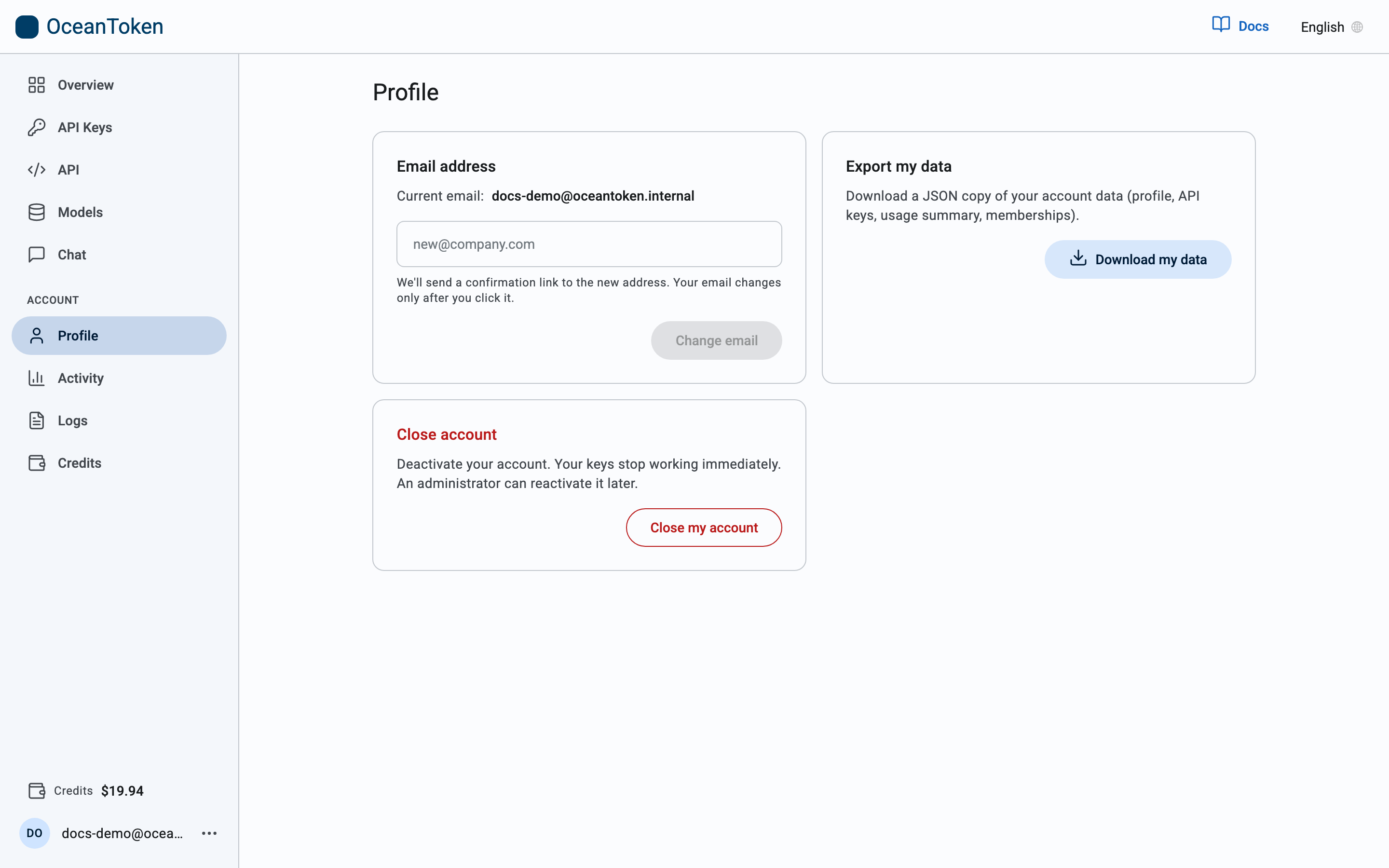
Email address
The card shows the email your account is registered under. To change it, type the new address and choose Change email. We send a confirmation link to the new address, and your email changes only after you click it.
Export my data
Download my data saves a JSON copy of your account data: your profile, API keys, usage summary and memberships.
Close account
Close my account deactivates your account. Your keys stop working immediately. An administrator can reactivate it later.
Closing does not delete the records stored for your account. To have them deleted, write to support@oceantoken.ai, as the privacy policy describes.
Password
The Profile page has no password setting. To change your password, sign out and use Reset your password: enter your email and we send a link to set a new one.
Sign out
Log out, from the menu next to your email at the bottom of the sidebar, ends the session in this browser only. Keys keep working.