Document templates
Save the look of your Word, Excel and PowerPoint files once. Create a document in Chat then makes files that follow it.
Document templates is in the sidebar under Account, for your personal identity and for an organization's admins.
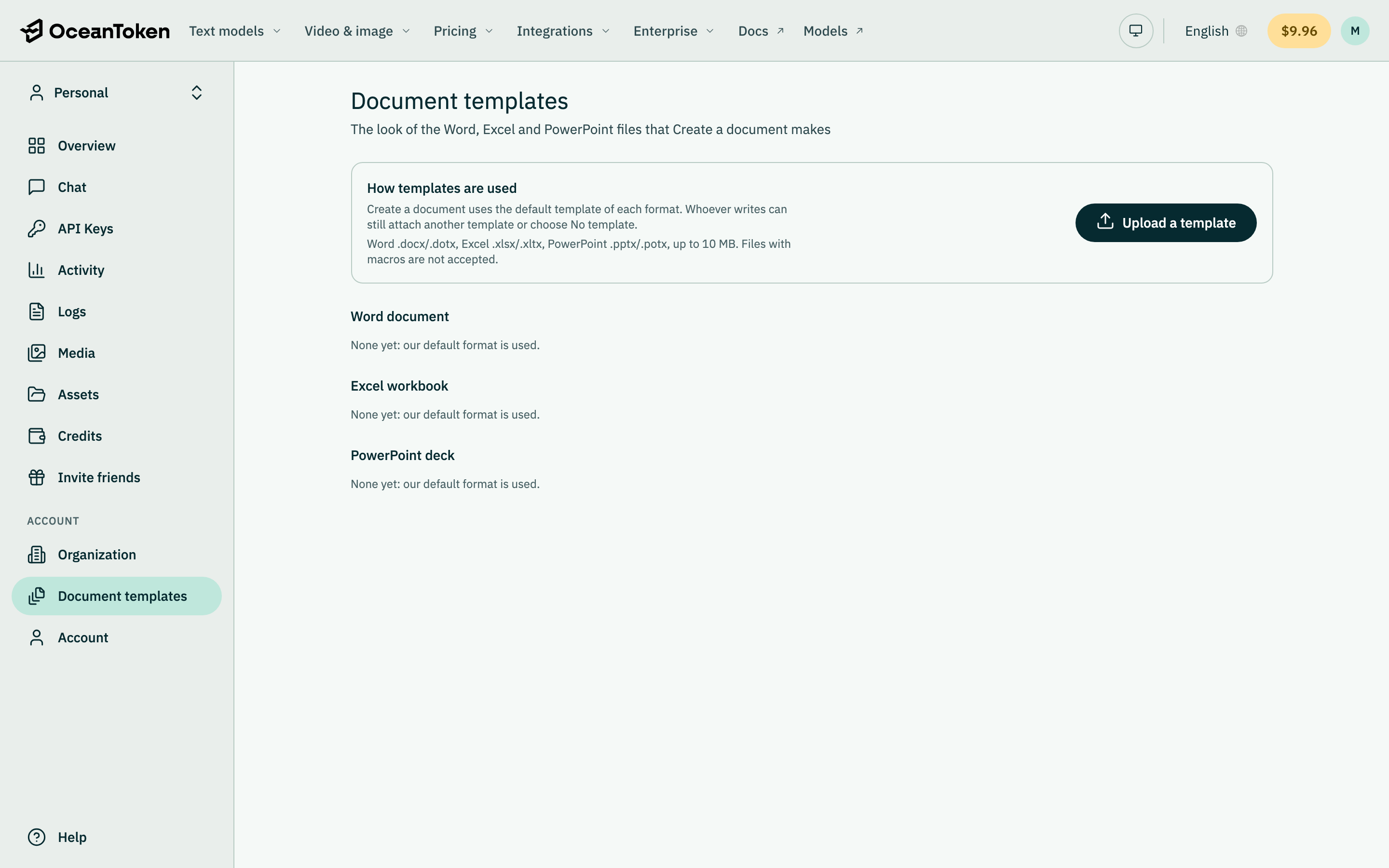
Upload a template
Choose Upload a template and pick a file:
| Format | Files |
|---|---|
| Word | .docx, .dotx |
| Excel | .xlsx, .xltx |
| PowerPoint | .pptx, .potx |
- Up to 10 MB each, and up to 20 templates for each personal account or organization.
- Files with macros are not accepted.
The default template
Each format can have one default. Make default sets it; Stop using as default goes back to our default format. When a format has no template, the page says so and our default format is used.
Create a document uses the default template of the format you pick. In the composer, Template shows which one applies; you can pick another saved template, attach a file for this request only, or choose No template (our default format).
Delete a template
Delete removes a template. Documents already made are not affected.
In an organization
Under an organization identity the templates belong to the organization. Its admins upload, delete and choose the defaults. Every member's Create a document uses the organization's defaults, and members can pick any of its templates in the composer.